

How It Works
When you send records to the Ingestion API, each batch goes through the following steps:Validated
Each record is checked against the Integration Envelope schema. Records that pass are accepted; records that fail
are rejected with error details so you can fix and resend them.
Normalized
Accepted records are cleaned up for consistency. For example,
_type is lowercased and timestamps
are rounded to the nearest second.Deduplicated
Each record is identified by its
_type, _vendor_ids, and _event_at fields. If you send the same record again,
it overwrites the previous version instead of creating a duplicate.Stored
Your data is written to secure cloud storage, organized by workspace, source, type, and date.
Processed
Your data is picked up by Evermuse’s AI workflows and turned into product data signals like user needs, feedback,
and feature requests.
Attachments
Records can include_attachments referencing vendor-hosted files. After a batch lands, Evermuse asynchronously downloads each attachment to secure cloud storage. Attachment download progress is tracked per-batch and visible in the monitoring dashboard.
Monitoring
The Data Lake dashboard provides real-time visibility into ingestion activity. You can view all batches with their status, source, type, record counts, and error details.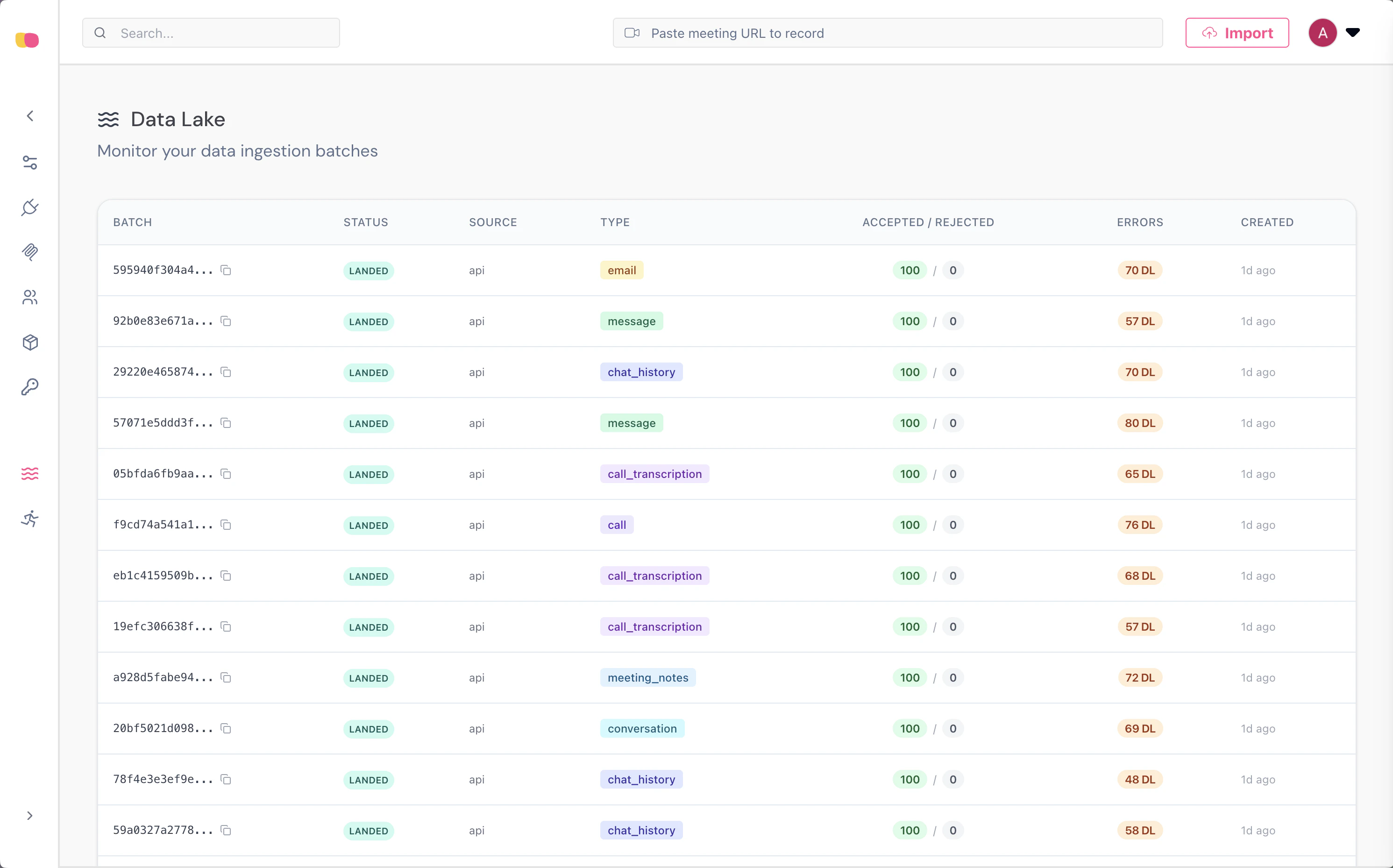
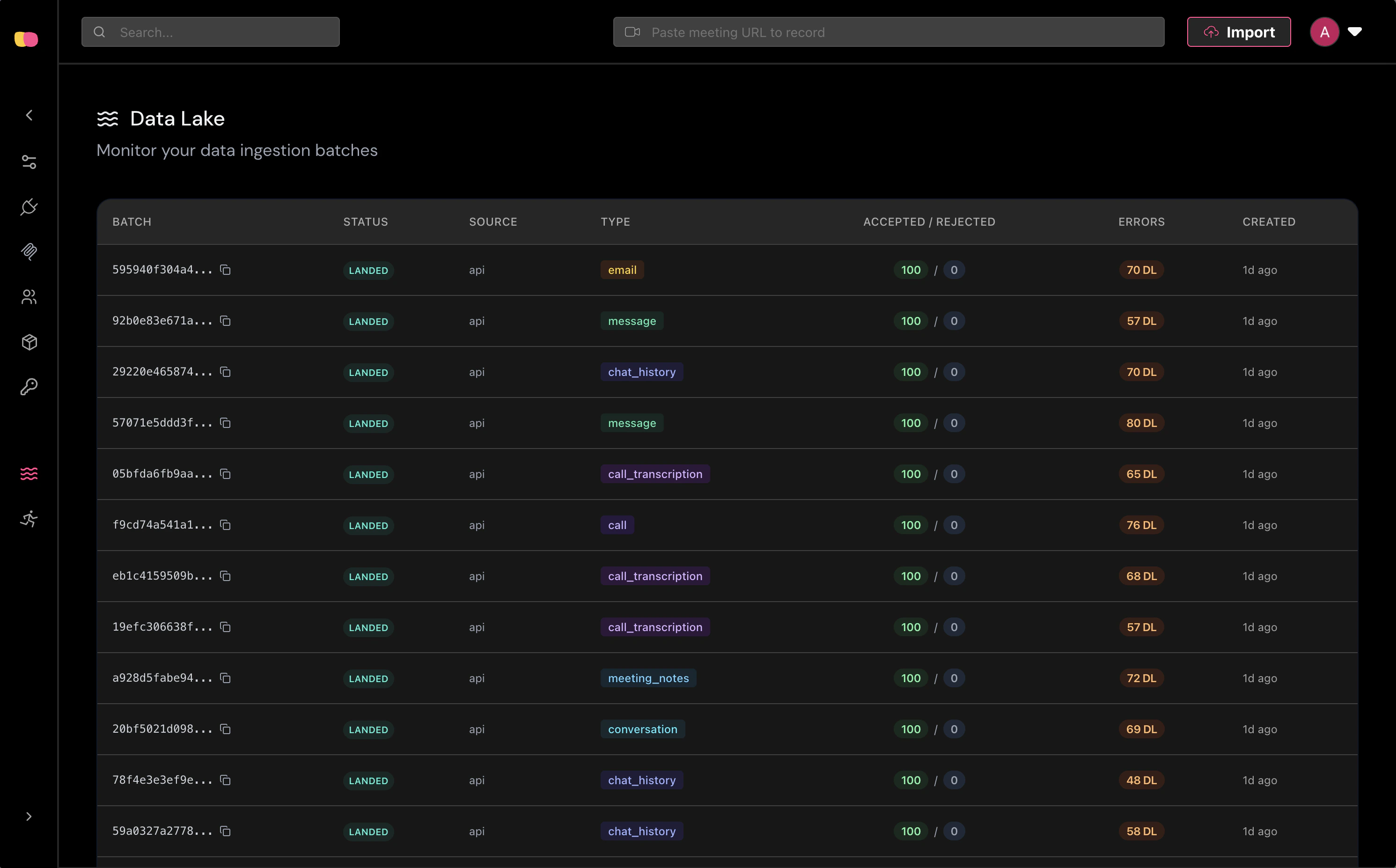
The Data Lake dashboard shows ingestion batches in real time with status, source, and record counts.
- Batch metadata — Status, source, type, timestamps, and storage URIs.
- Failed records — Individual validation errors with the rejected payload.
- Attachment downloads — Status of each attachment download attempt.
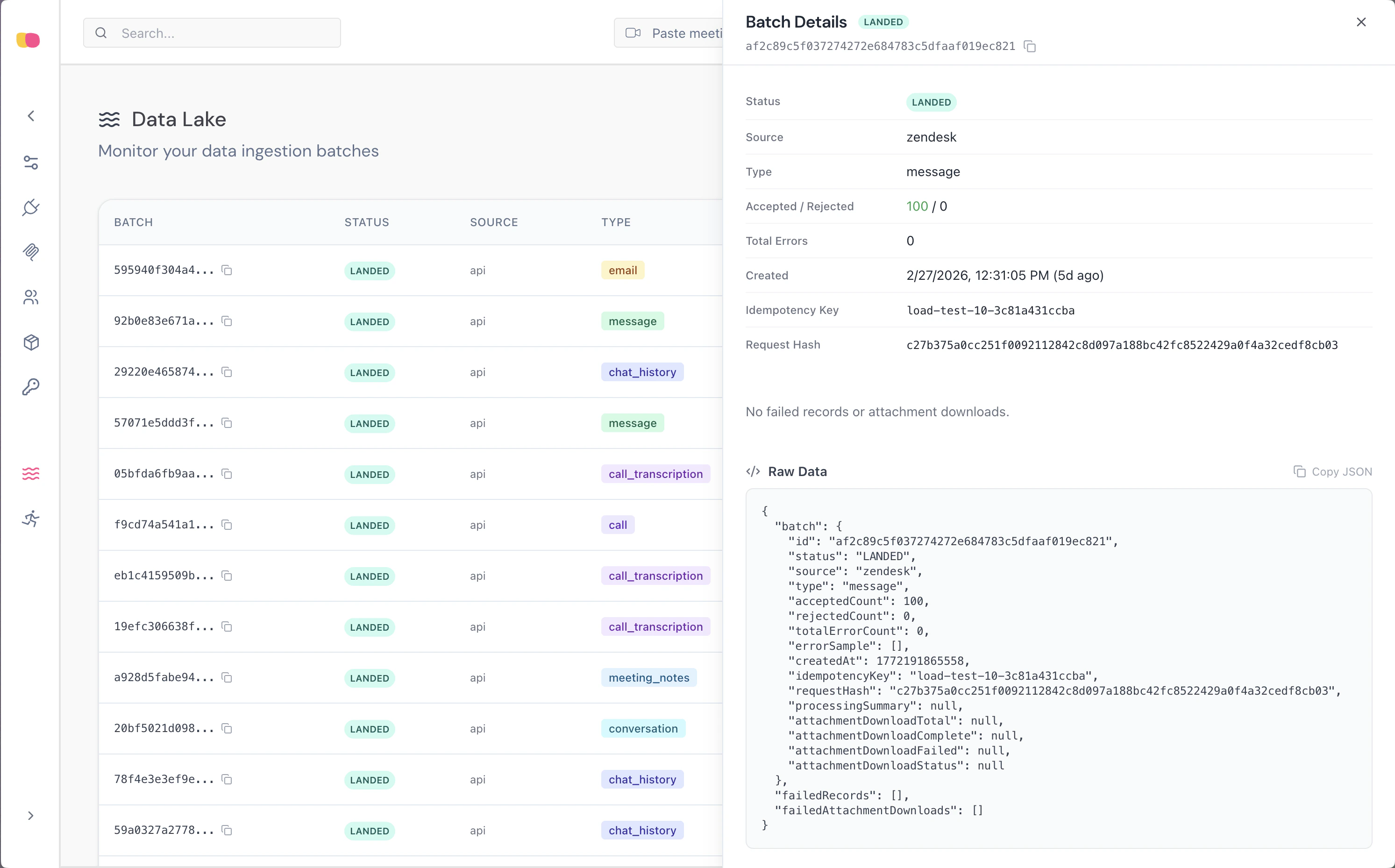
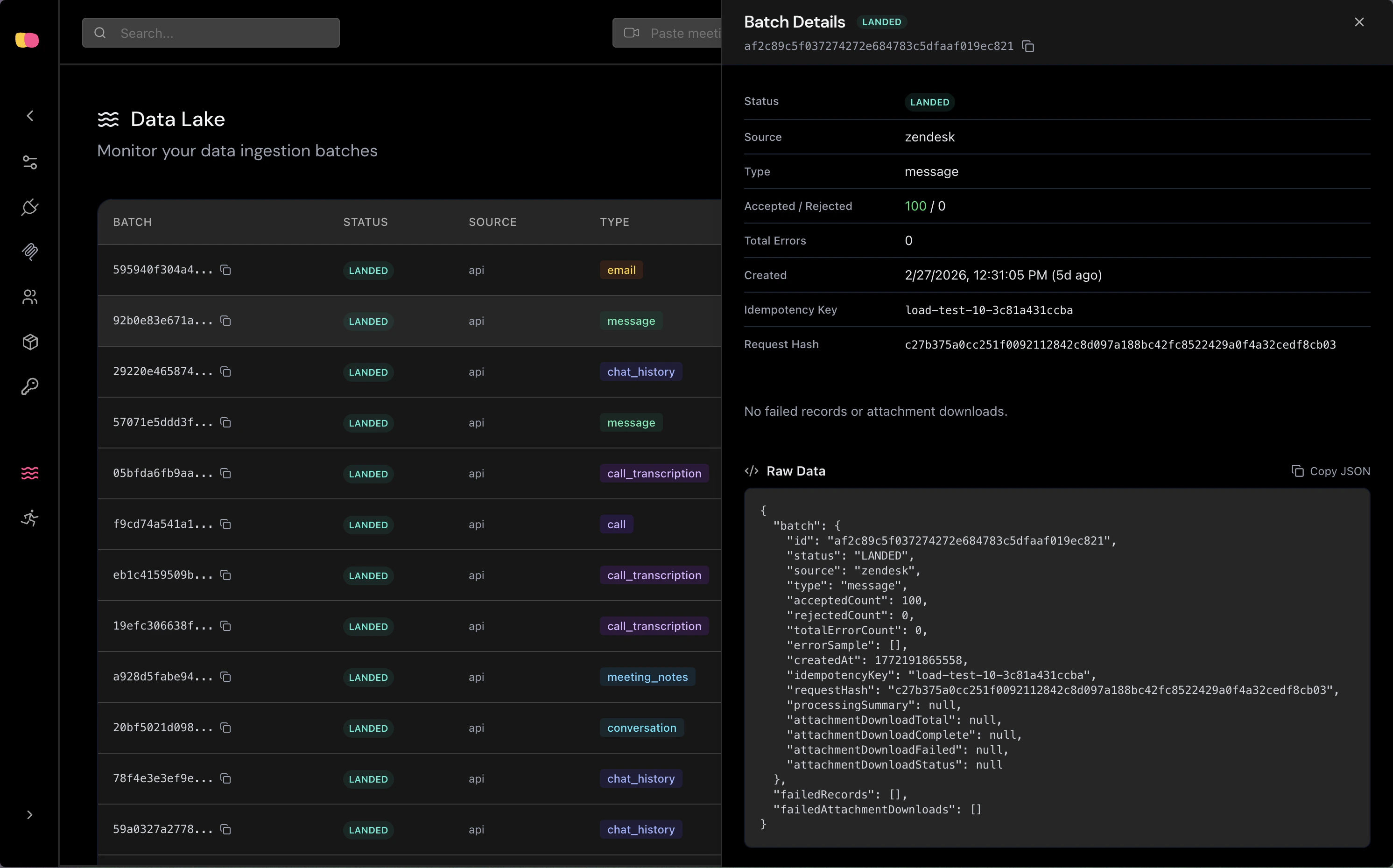
The batch detail panel shows metadata, failed records, and attachment download status.