

API Keys
API keys are scoped to a workspace and prefixed withem_sk_ for easy identification. Each workspace can have up to 10 API keys.
Creating an API Key
Navigate to Settings > API Keys in your workspace sidebar to view and manage your keys.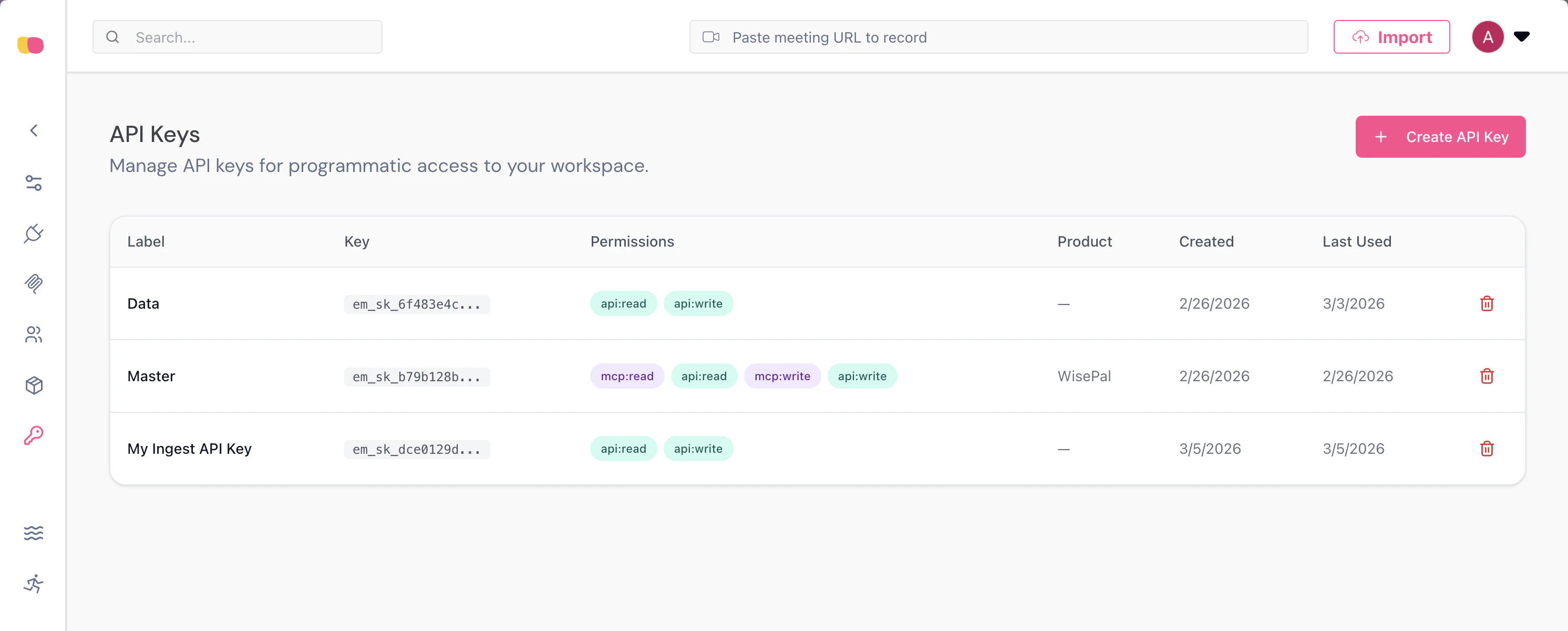
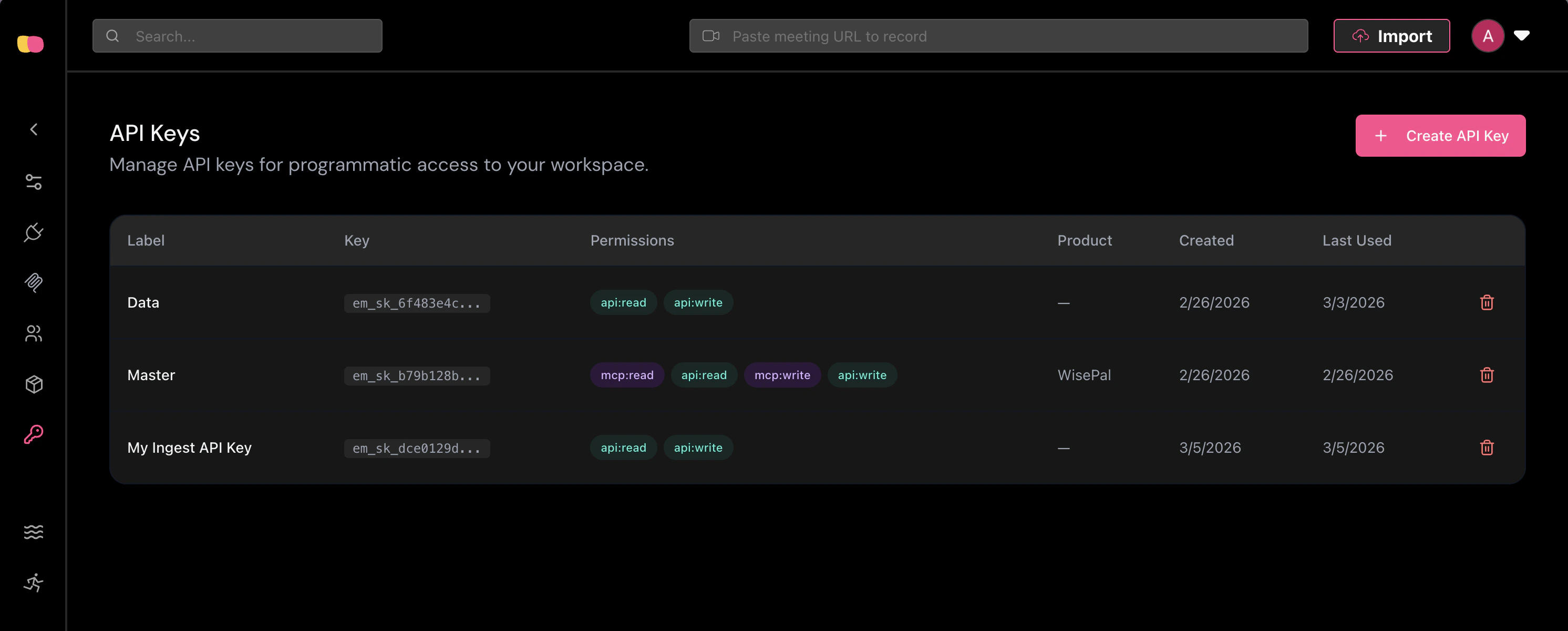
The API Keys page lists all existing keys with their permissions, creation date, and last used date.
- Label — A descriptive name for the key (e.g., “Production Ingestion Key”).
- Permissions — Select at least one permission. To use the Ingestion API, you must enable API Write (
api:write).
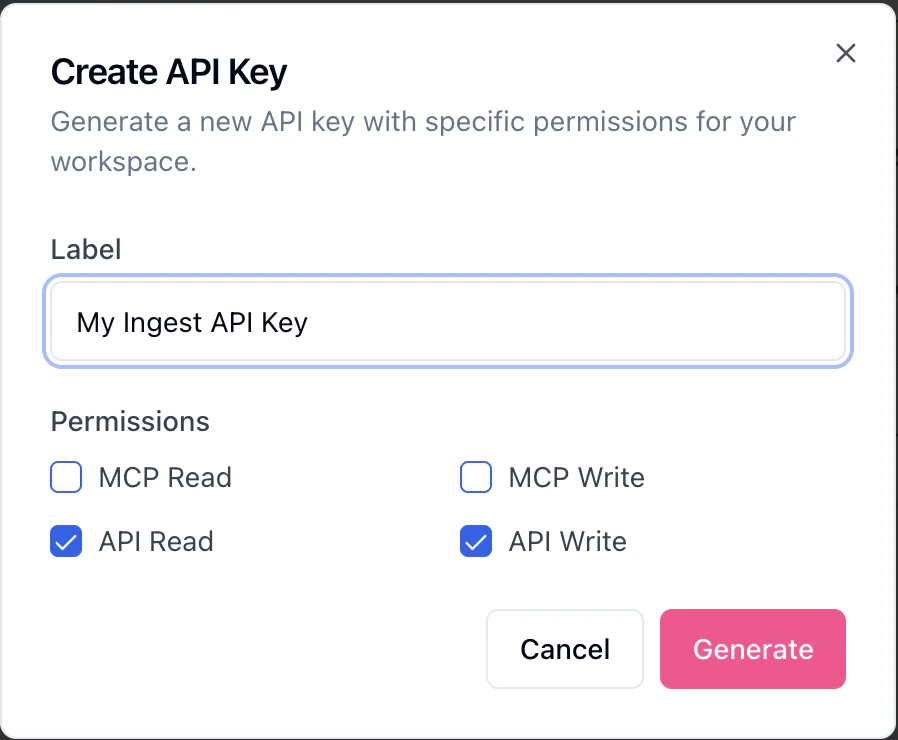
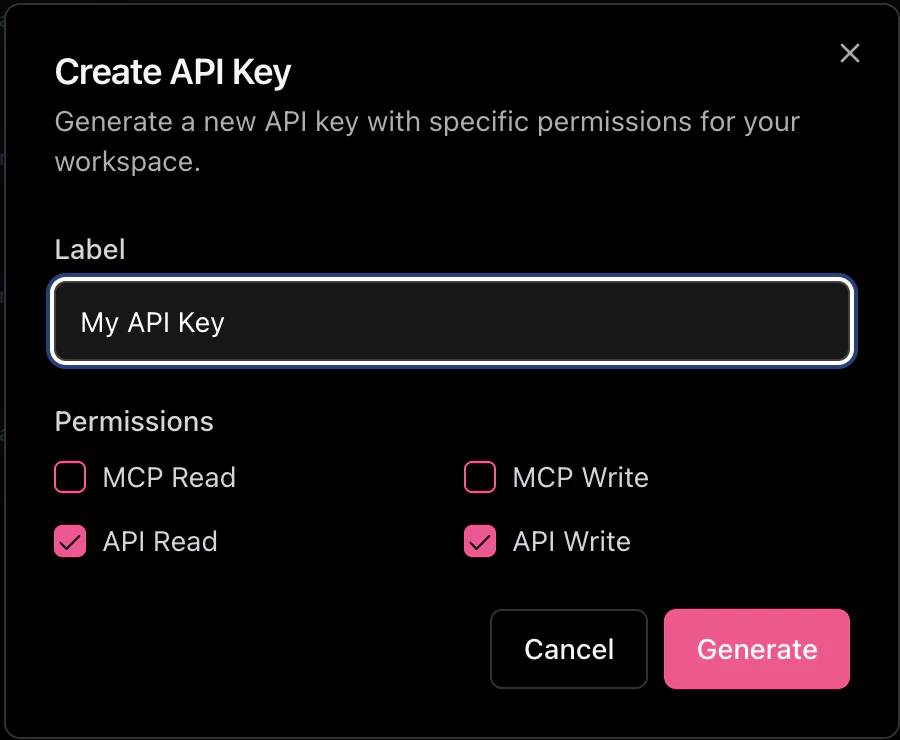
Select the API Write permission to allow the key to send data to the Ingestion API.
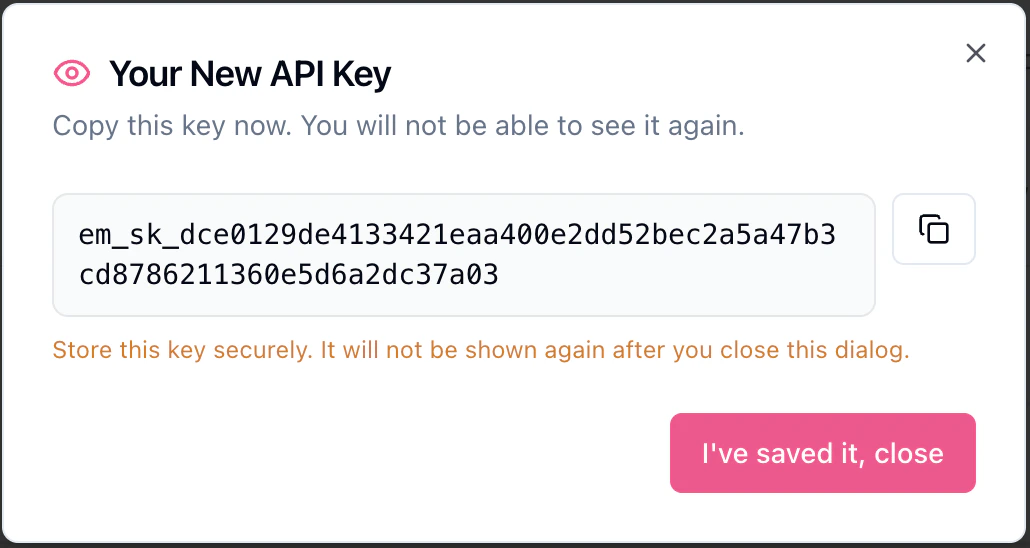
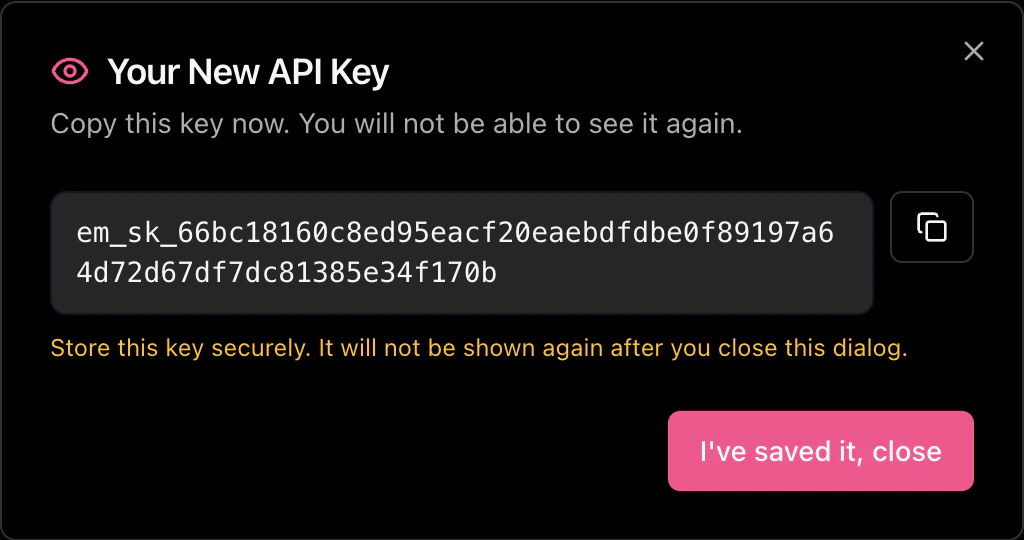
Copy your API key now. It cannot be retrieved after closing this dialog.
Permissions
API keys support the following permissions:The Ingestion API requires the
api:write permission. Keys with only api:read will receive a 403 Forbidden
response when sending data.Sending Your API Key
Include your API key in thex-api-key header of every request:
Security Best Practices
- Never expose API keys in client-side code. API keys should only be used in server-to-server communication.
- Rotate keys regularly. If you suspect a key has been compromised, revoke it immediately and generate a new one.
- Use environment variables to store API keys rather than hardcoding them in your application.