> ## Documentation Index
> Fetch the complete documentation index at: https://docs.evermuse.com/llms.txt
> Use this file to discover all available pages before exploring further.
# Authentication
> How to authenticate requests to the Evermuse Ingestion API.
All requests to the Evermuse Ingestion API must be authenticated using a workspace-scoped API key.
## API Keys
API keys are scoped to a workspace and prefixed with `em_sk_` for easy identification. Each workspace can have up to 10 API keys.
### Creating an API Key
Navigate to **Settings > API Keys** in your workspace sidebar to view and manage your keys.
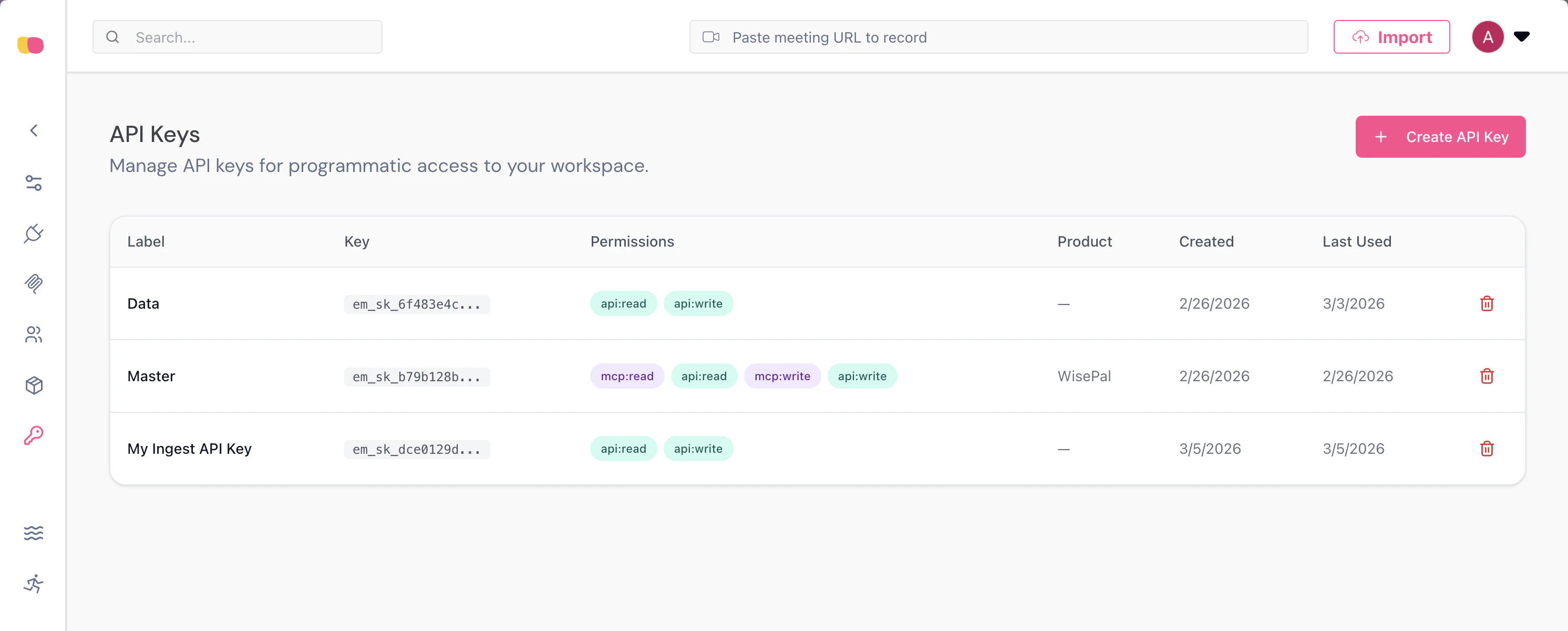
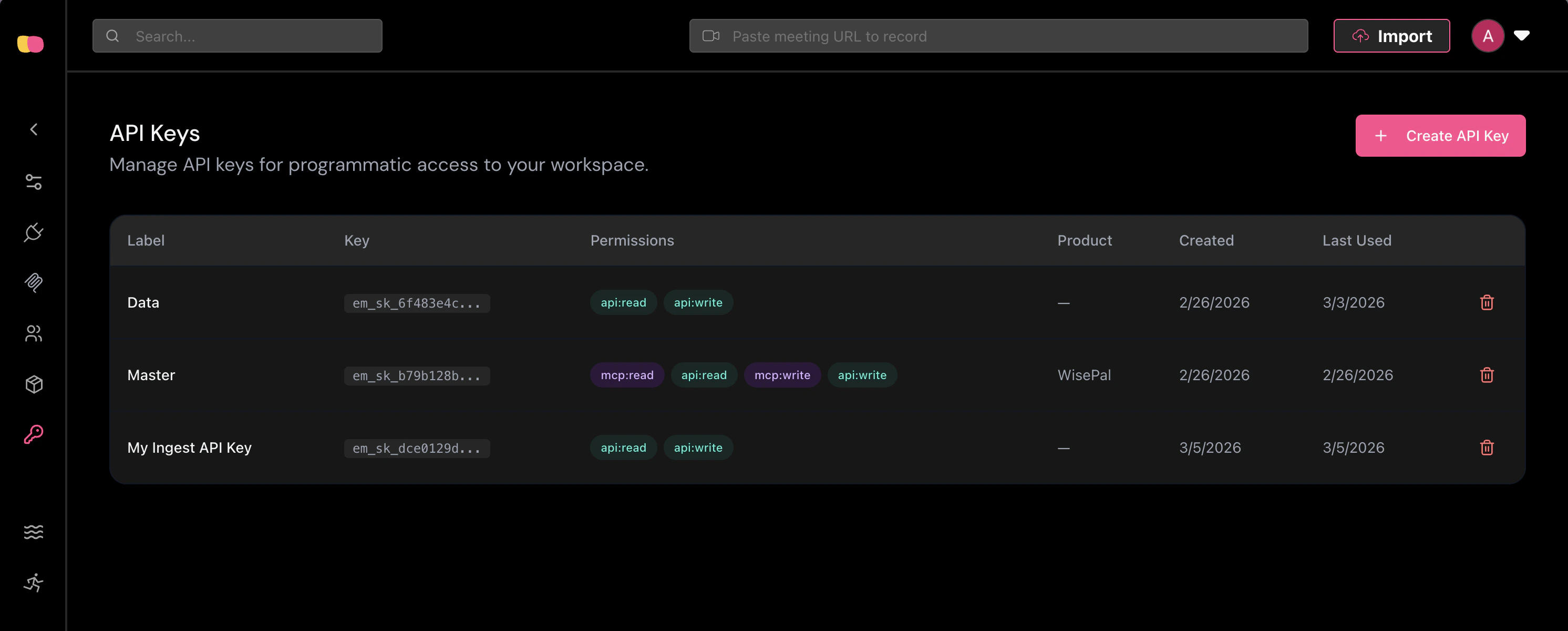 Click **Create API Key** to open the creation dialog. Fill in the following:
* **Label** — A descriptive name for the key (e.g., "Production Ingestion Key").
* **Permissions** — Select at least one permission. To use the Ingestion API, you must enable **API Write** (`api:write`).
Click **Create API Key** to open the creation dialog. Fill in the following:
* **Label** — A descriptive name for the key (e.g., "Production Ingestion Key").
* **Permissions** — Select at least one permission. To use the Ingestion API, you must enable **API Write** (`api:write`).
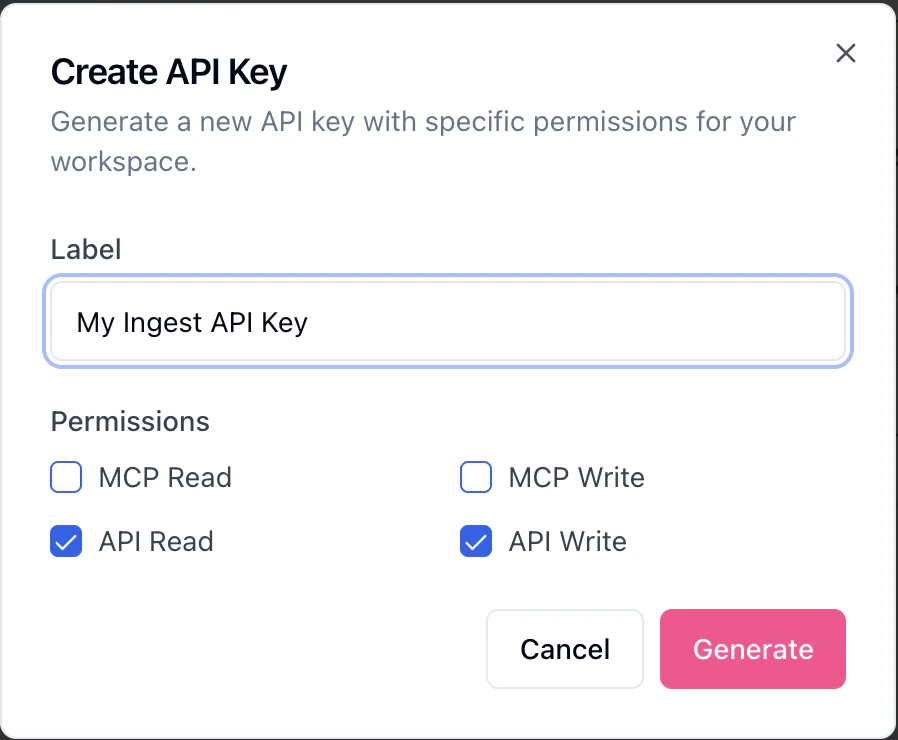
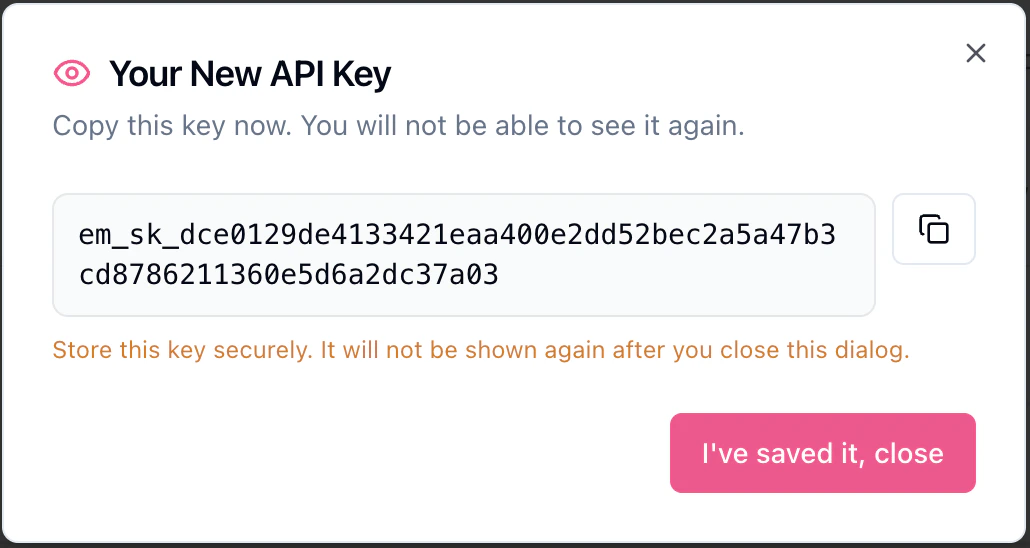
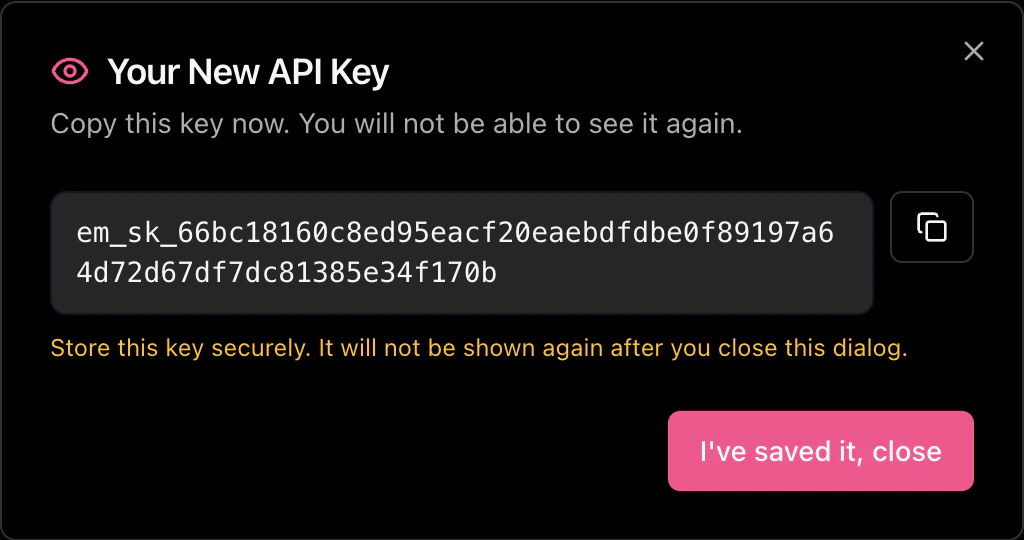
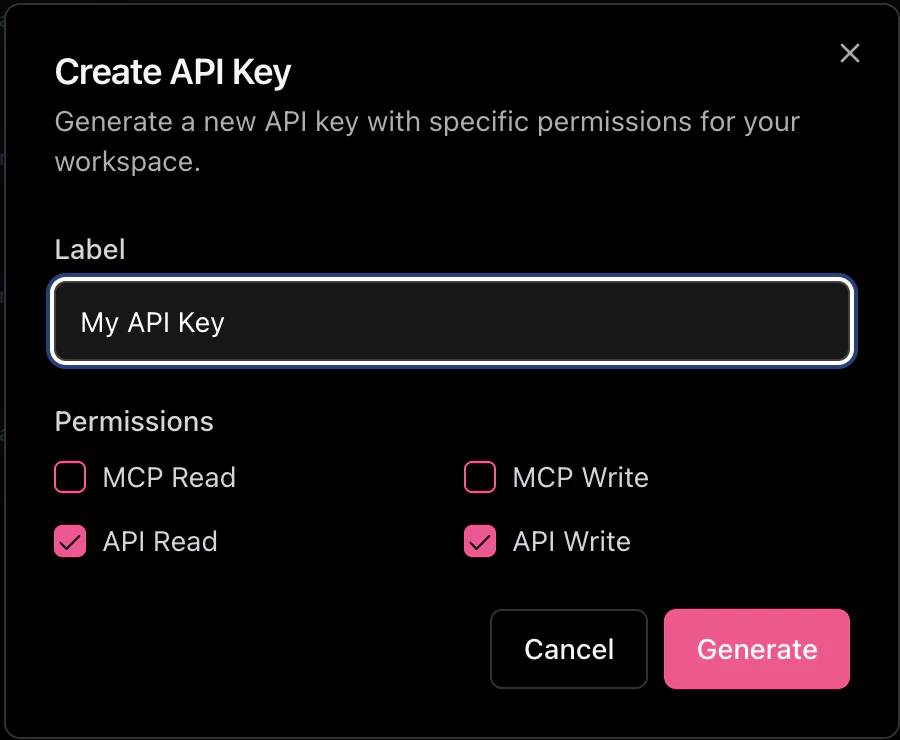 After clicking **Generate**, your API key will be displayed once. Copy it immediately — you will not be able to see it again.
 ### Permissions
API keys support the following permissions:
| Permission | Description |
| ----------- | ------------------------------------------------------------------ |
| `api:read` | Read access to API endpoints (e.g., checking batch status). |
| `api:write` | Write access to API endpoints. **Required for the Ingestion API.** |
| `mcp:read` | Read access via MCP. Requires a default product. |
| `mcp:write` | Write access via MCP. Requires a default product. |
The Ingestion API requires the **`api:write`** permission. Keys with only `api:read` will receive a `403 Forbidden`
response when sending data.
### Sending Your API Key
Include your API key in the `x-api-key` header of every request:
```bash theme={null}
curl -X POST https://api.evermuse.com/api/v1/ingest \
-H "Content-Type: application/json" \
-H "x-api-key: em_sk_your_api_key" \
-d '{ ... }'
```
### Security Best Practices
* **Never expose API keys in client-side code.** API keys should only be used in server-to-server communication.
* **Rotate keys regularly.** If you suspect a key has been compromised, revoke it immediately and generate a new one.
* **Use environment variables** to store API keys rather than hardcoding them in your application.
## Error Responses
| Status Code | Description |
| ----------- | ------------------------------------------------------------------------------------------------------ |
| `401` | Missing or invalid API key. |
| `403` | API key does not have permission for the requested operation. Ensure your key has `api:write` enabled. |
| `429` | Rate limit exceeded. Check the `retryAfter` field in the response body. |
### Permissions
API keys support the following permissions:
| Permission | Description |
| ----------- | ------------------------------------------------------------------ |
| `api:read` | Read access to API endpoints (e.g., checking batch status). |
| `api:write` | Write access to API endpoints. **Required for the Ingestion API.** |
| `mcp:read` | Read access via MCP. Requires a default product. |
| `mcp:write` | Write access via MCP. Requires a default product. |
The Ingestion API requires the **`api:write`** permission. Keys with only `api:read` will receive a `403 Forbidden`
response when sending data.
### Sending Your API Key
Include your API key in the `x-api-key` header of every request:
```bash theme={null}
curl -X POST https://api.evermuse.com/api/v1/ingest \
-H "Content-Type: application/json" \
-H "x-api-key: em_sk_your_api_key" \
-d '{ ... }'
```
### Security Best Practices
* **Never expose API keys in client-side code.** API keys should only be used in server-to-server communication.
* **Rotate keys regularly.** If you suspect a key has been compromised, revoke it immediately and generate a new one.
* **Use environment variables** to store API keys rather than hardcoding them in your application.
## Error Responses
| Status Code | Description |
| ----------- | ------------------------------------------------------------------------------------------------------ |
| `401` | Missing or invalid API key. |
| `403` | API key does not have permission for the requested operation. Ensure your key has `api:write` enabled. |
| `429` | Rate limit exceeded. Check the `retryAfter` field in the response body. |